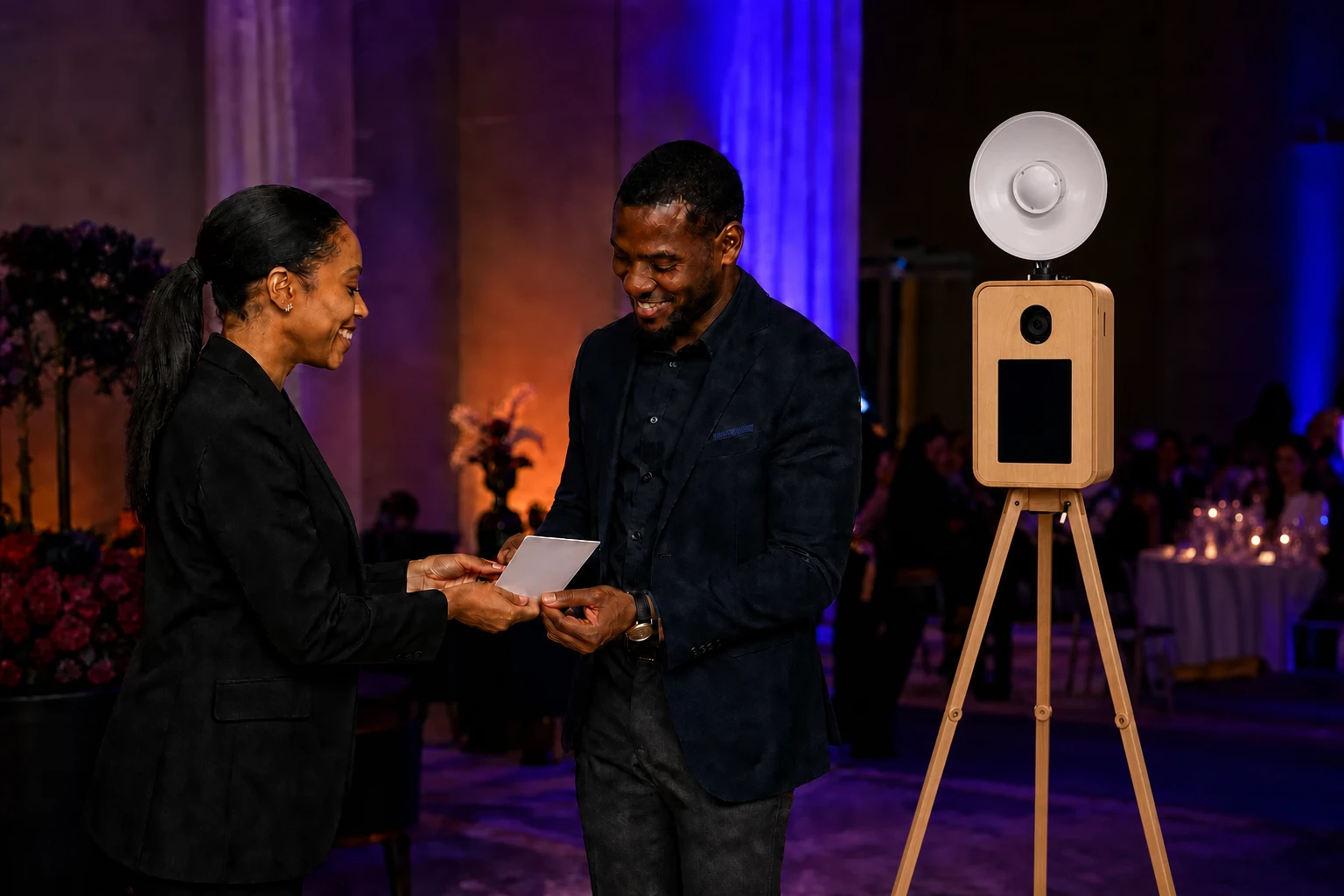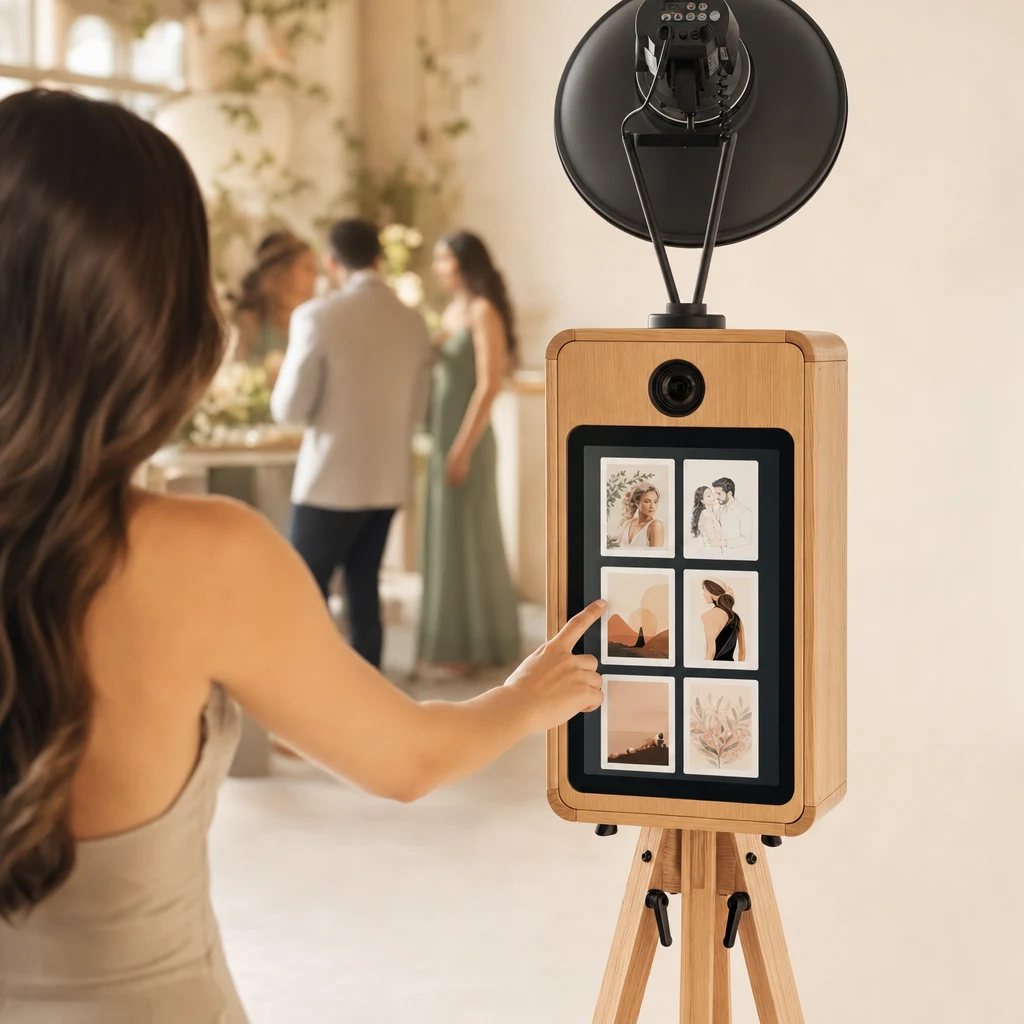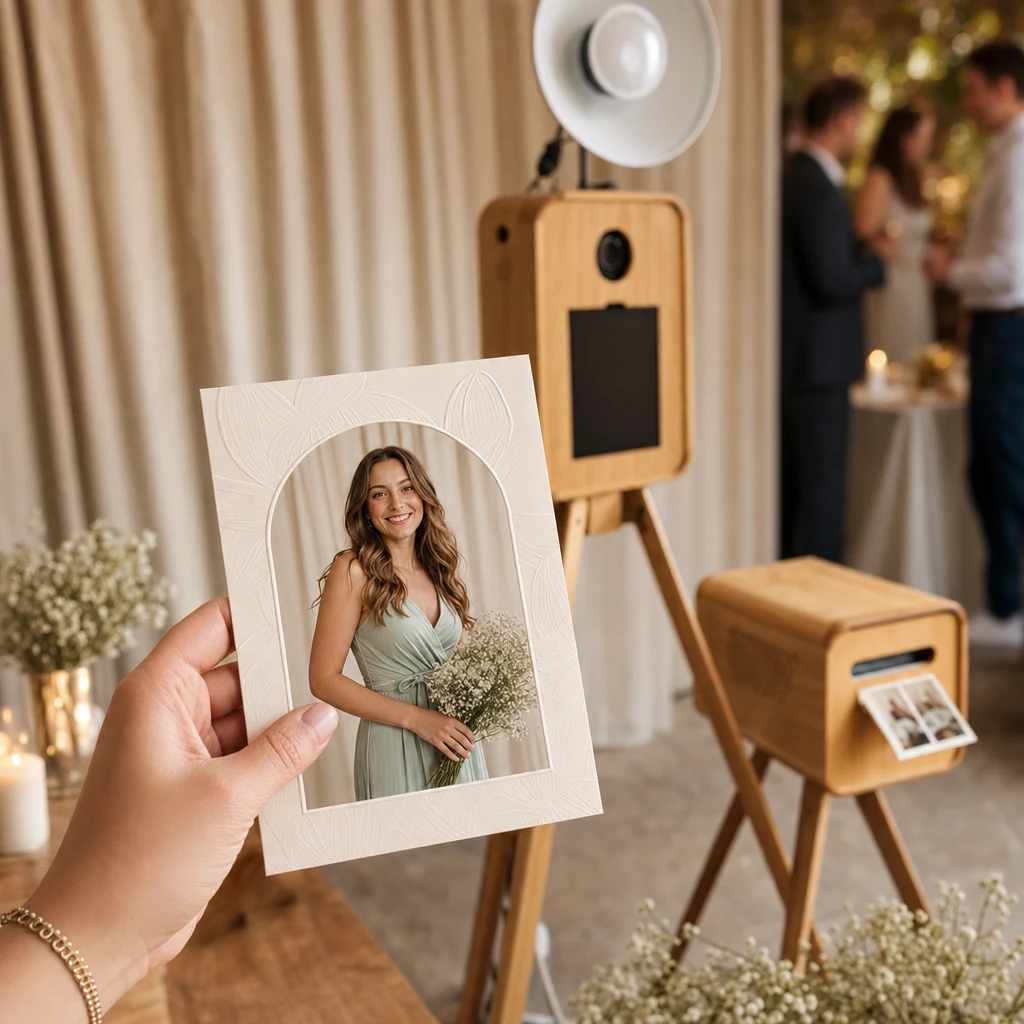
Begin with the guest’s reason to participate
People do not queue because an image contains a logo. They queue because the result looks interesting, personal or difficult to make elsewhere.
The brand earns attention by enabling that result. This is why the portrait concept should come before the frame.
Write the objective in one sentence. “Give delegates a polished portrait connected to the campaign” is actionable. “Create engagement” is too broad to guide the style, print layout or post-event handoff.
Translate the campaign into a visual world
Useful inputs include campaign colour, setting, wardrobe direction, era, material and mood. A product photograph or full key visual may not translate directly into a portrait, but its visual logic can.
The style should still recognise the guest. If every face disappears beneath effects, the personal value is lost.
Turn the creative brief into a short hierarchy:
- The guest must recognise and like the portrait.
- The visual world should connect to the event or campaign.
- The brand should be identifiable without dominating the output.
- The final 4x6 portrait must remain legible at print size and on a phone.
Custom campaign-specific AI styles start at R750, with the final amount depending on the brief. Scope and approval timing are confirmed per project; there is no sensible universal revision count for every campaign.
Treat the logo as a signature
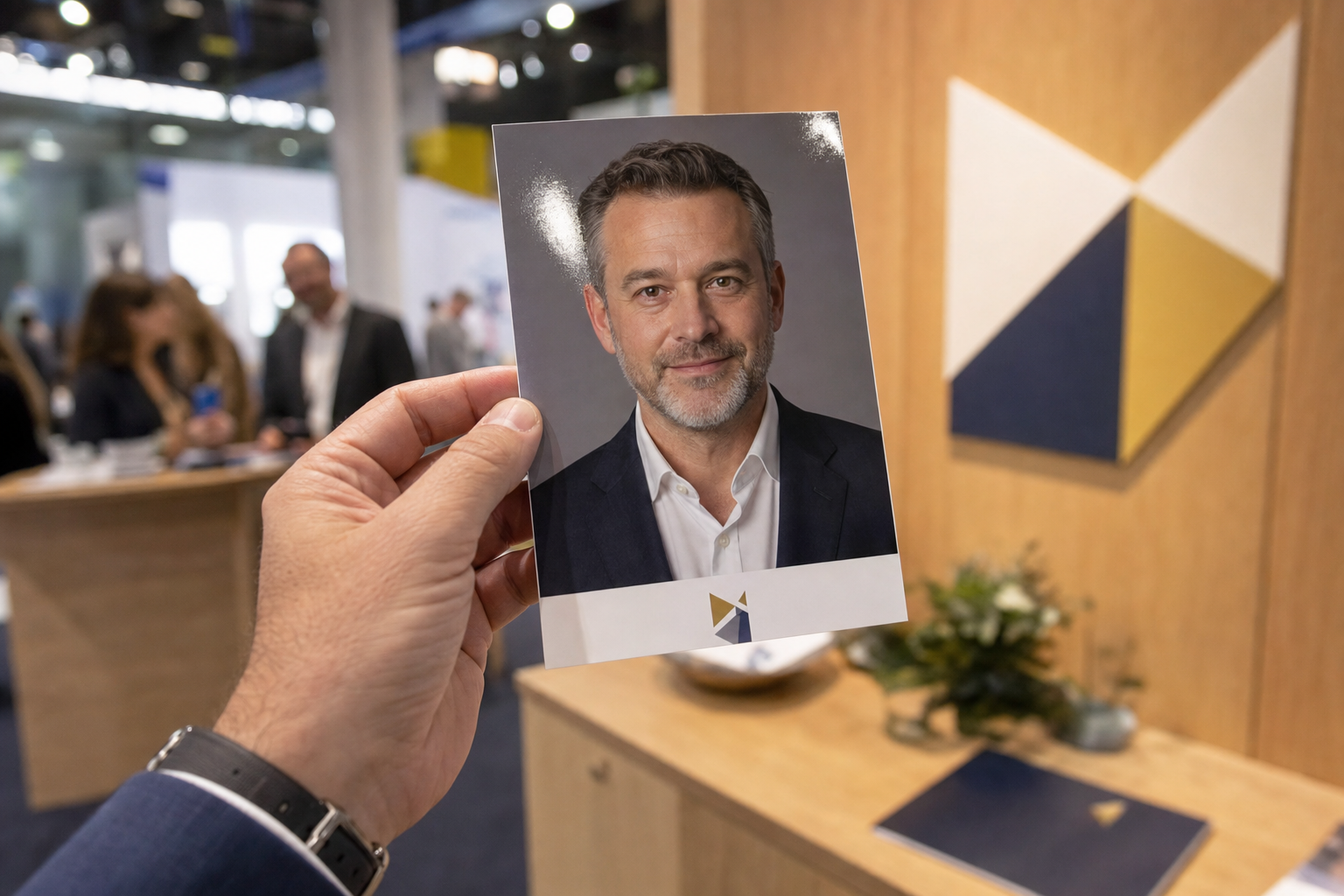
Place the mark where it remains legible without covering the portrait. Leave enough clear space and test the 4x6 print at actual size.
Campaign wording should be short. A portrait is not a flyer, and fine print belongs elsewhere.
Ask the brand team for vector or high-resolution logo assets, approved colours, the exact campaign line and any exclusion rules. Avoid rebuilding a logo from a screenshot. The nominated approver should review both the digital output and a print-size proof rather than judging only a large design on a laptop.
Test for real event conditions
Guests will wear different colours, hairstyles and glasses. Event lighting and pose will vary. Testing should include that range rather than one perfect reference portrait.
Agree on what happens when an output is unsuitable and ensure the host can guide guests towards better framing.
Testing should also check contrast, small marks, glasses, head coverings and a range of skin tones. A style that looks impressive on one supplied portrait may behave differently across a real guest list. Record which elements are essential and which can flex when the person, clothing and pose change.
Use a simple approval path
The exact dates depend on the event, but the sequence should be clear:
| Stage | Owner | Output |
|---|---|---|
| Brief | Campaign or event lead | Objective, audience, event context and desired action |
| Brand supply | Brand manager | Approved assets, wording and usage rules |
| Style development | Booth supplier | Testable visual direction based on the agreed scope |
| Review | Named brand approver | Consolidated feedback, not conflicting comments from several departments |
| Output proof | Brand approver and event lead | Approved portrait treatment and 4x6 layout |
| Event handoff | Event lead and booth host | Final style menu, programme and escalation contact |
Work backwards from event day and agree dates in writing. Do not assume that custom-style lead times or revisions are identical for every brief.
Decide what happens after the portrait
The guest may collect a print, send a digital copy or opt into a separate campaign journey. Do not make basic delivery dependent on hidden marketing consent.
The privacy handoff needs its own owner. Confirm what guest information is collected, why it is needed, which processing providers are involved, whether portraits appear in a public gallery, how long material is retained and how a question or deletion request is routed. If the company wants to use a guest portrait in social media or internal communications, obtain the appropriate permission for that use rather than treating booth participation as blanket consent.
For children, public events or sensitive workforce settings, ask the organisation’s privacy or legal team to approve the participation approach. The booth supplier can implement an agreed journey; it should not invent the company’s lawful basis or policy on the event floor.
Plan for the parts outside the artwork
A strong visual can still fail operationally if the queue blocks registration, the campaign team changes wording on event day or digital delivery depends on unconfirmed venue connectivity. Include the booth in the floor plan, run sheet and technical conversation. Confirm practical power access, event-specific delivery, the approver available on the day and what happens if a generation is unsuitable.
Only promise reporting fields that the agreed setup actually collects. Counts, lead data and campaign follow-up are different things and should not be bundled into a vague “engagement report”.
For a complete event format, see corporate AI photo booth hire or the more campaign-led AI photo booth activation service.